Merge PDF files into one document
Load two files or twenty, arrange the pages the way you want them, and export one clean PDF. The merge happens on your own machine with pdf-lib, so a contract, a payslip or a scan of your passport never leaves the browser tab.
No account. No file-size limits from a server. Works offline once loaded.
From scattered files to one PDF
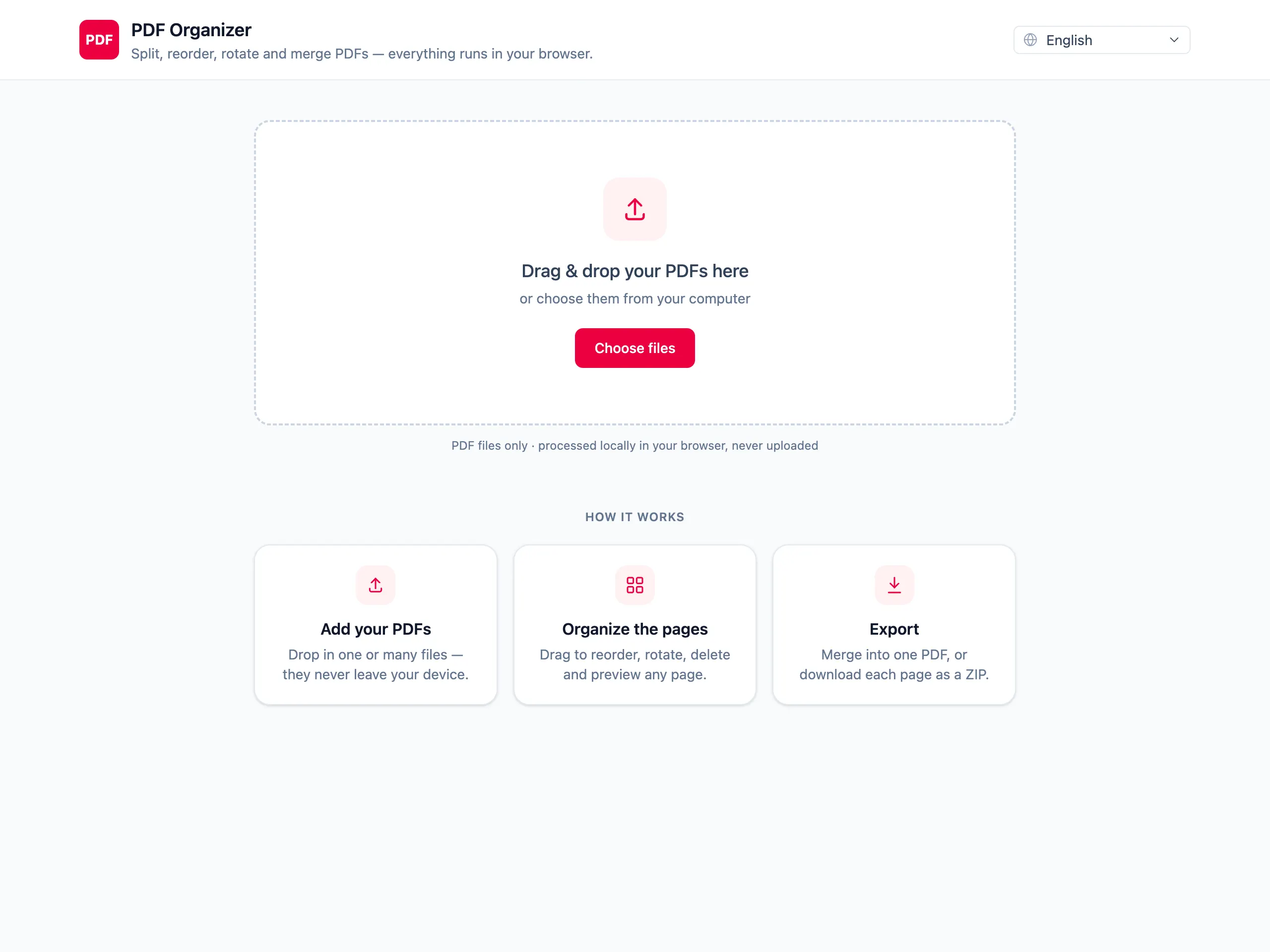
Load every file you want to join
Drop them all at once or add them one at a time. Pages from each file appear together in a single grid.
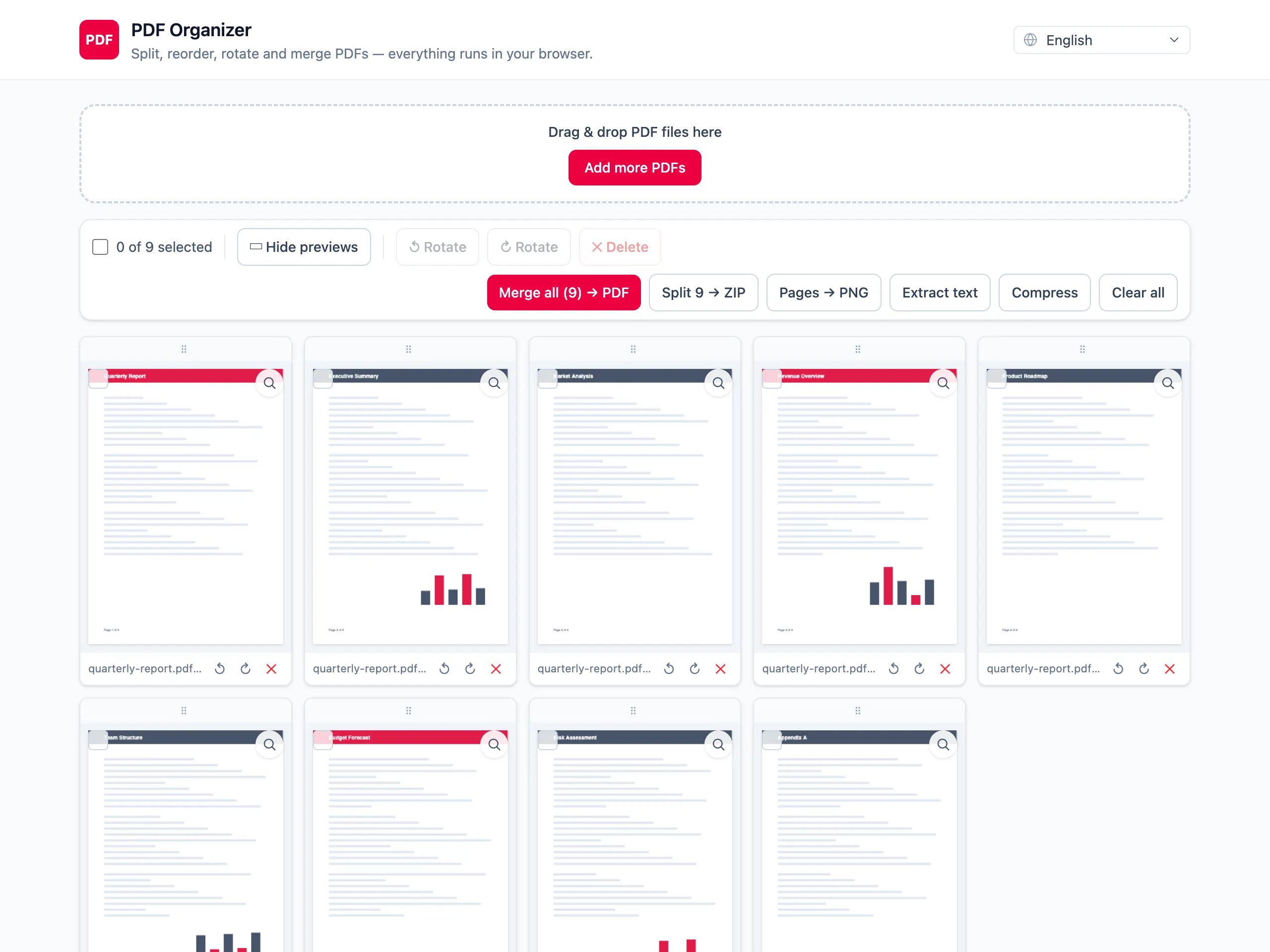
Put the pages in the right order
Drag any thumbnail to move it. Pages from different source files mix freely — a cover page from one file, the body from another.
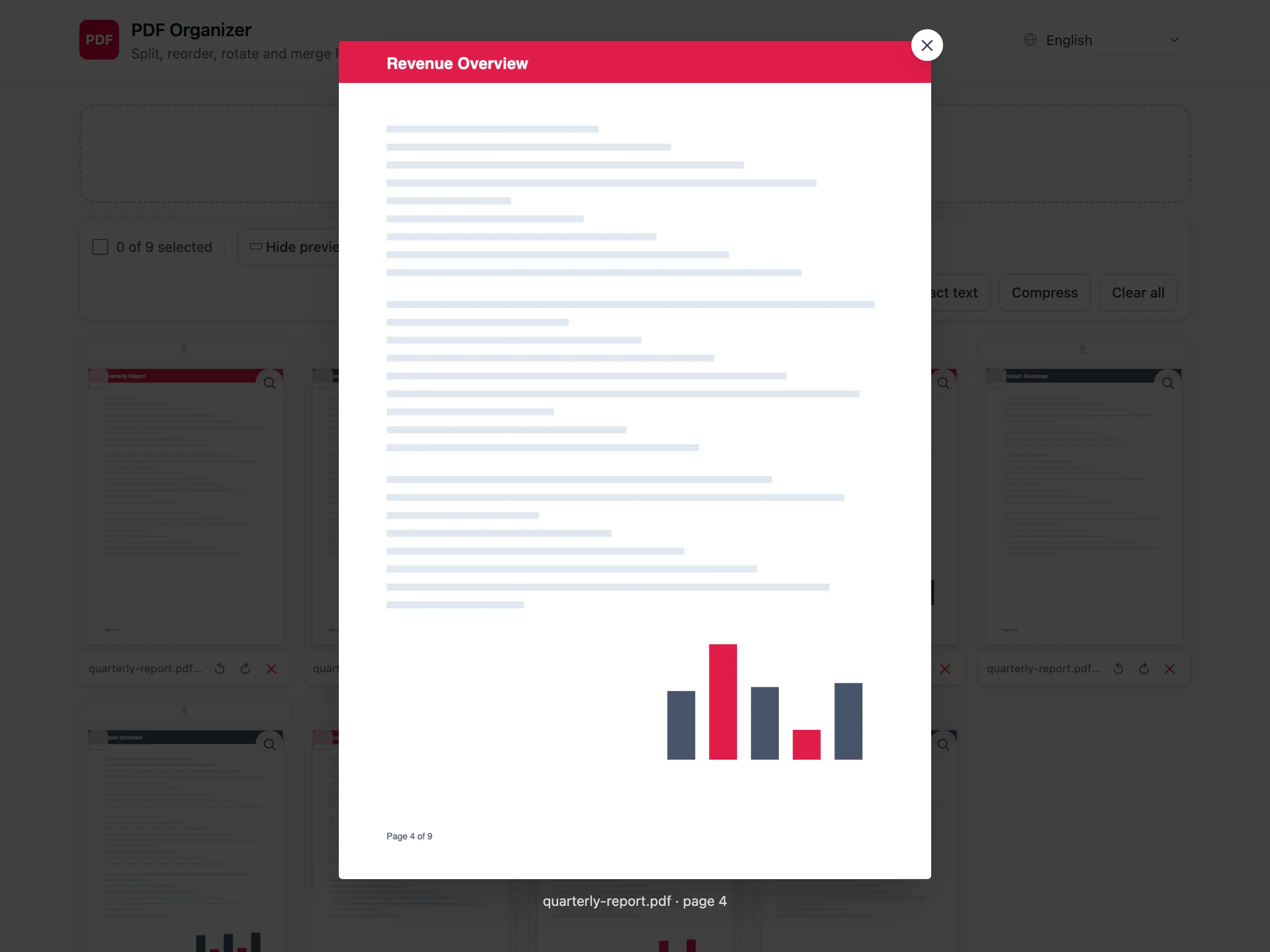
Export one merged PDF
Check the result page by page, then download a single document. Bookmarks and form fields from the sources are not carried over.
Why merge here instead of an upload site
The files stay on your device
Merging is the operation people most often do with documents they should not be emailing to a stranger. Nothing is uploaded, so there is nothing to leak.
Mix pages, not just whole files
Most merge tools staple file A to file B. Here every page is a separate tile you can move, rotate or delete before exporting.
No page or file-count cap
Free merge tools usually stop at two or three files. There is no server enforcing a limit here — only your device memory.
See it before you download
Open any page at full size and confirm you merged the right documents in the right order.
Merging PDFs — questions people ask
How many PDFs can I merge at once?
As many as your device can hold in memory. Nothing is uploaded, so no server limit applies. In practice a few dozen ordinary documents merge without trouble; hundreds of high-resolution scans will get slow before they fail.
Can I change the order of the pages while merging?
Yes, and that is the point of the grid. After loading your files every page becomes a draggable thumbnail, so you can interleave pages from different documents rather than simply appending one file after another.
Does merging reduce the quality of the pages?
No. Merging copies the original page objects into a new document, so text stays selectable and images keep their original resolution. Quality only changes if you separately run Compress in strong mode.
What happens to bookmarks, links and form fields?
Page content is preserved, but document-level structures are not. Outlines, internal links and interactive form fields from the source files are dropped in the merged output. Fill in forms before merging, not after.
Can I merge password-protected PDFs?
Only if the file opens without a password. An encrypted PDF cannot be read in the browser, so remove the password in the application that created it first, then merge the unlocked copy.
Are my documents uploaded to a server?
No. The merge runs in your browser with pdf-lib. No file, no page and no filename is sent anywhere, which is why this works on a plane and why it is safe for confidential contracts.