Extract text from a PDF
Pull the text out of a document into a plain .txt file you can search, paste or feed to something else. One honest limitation up front: this reads text that is already in the file, and does not run OCR on scans.
No account. No file-size limits from a server. Works offline once loaded.
From PDF to a plain text file
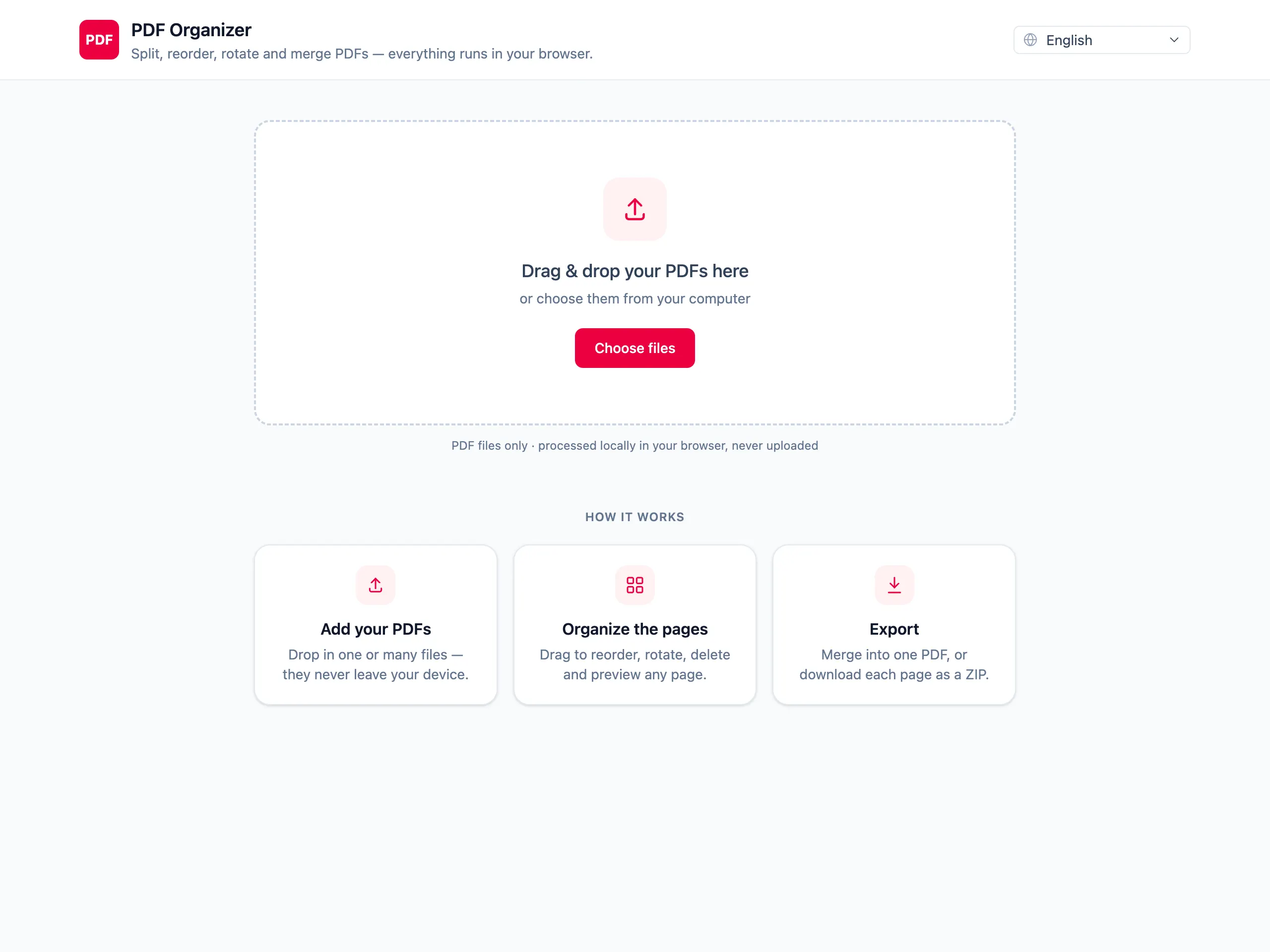
Drop in the document
Pages are rendered so you can confirm you loaded the right file before pulling anything out of it.
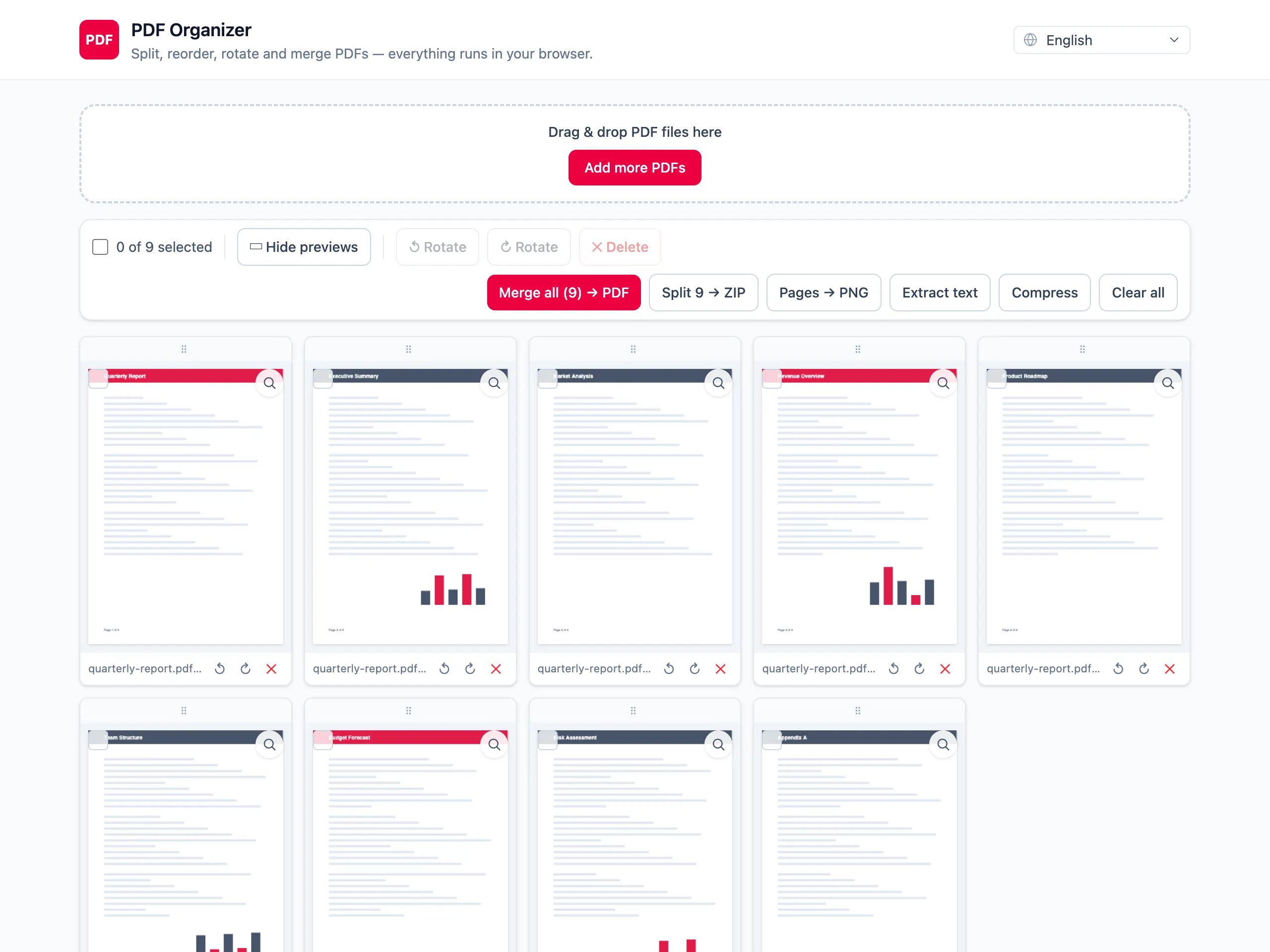
Keep only the pages you need text from
Delete the rest, and the output stays focused instead of arriving as one wall of text from cover to appendix.
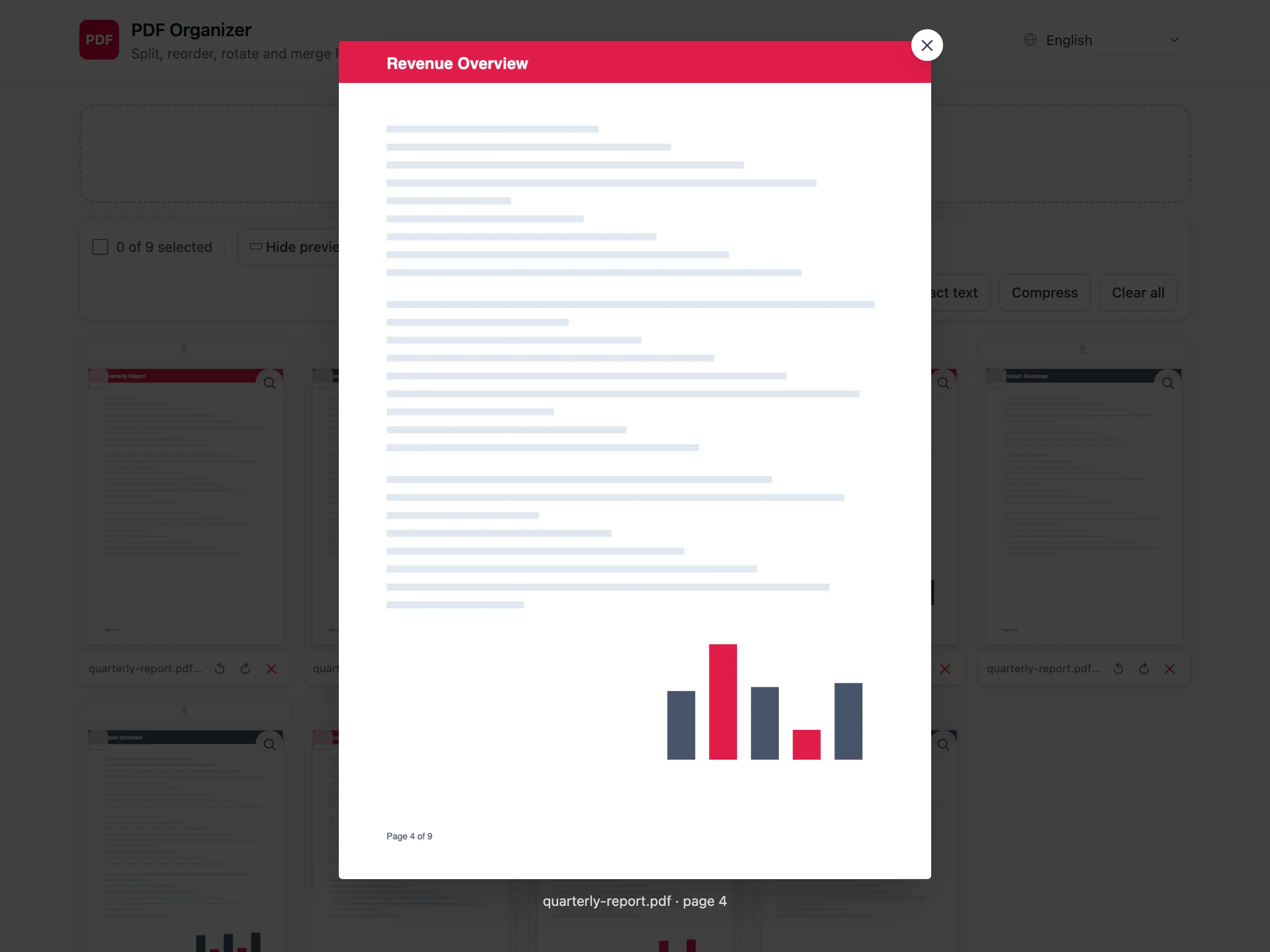
Export a .txt file
The text is written out in page order as plain text. Layout, tables and columns are not reconstructed — this is the words, not the design.
What this does and does not do
Plain text, ready to paste
A .txt file with no markup and no formatting, which is what you want for searching, quoting or feeding into another program.
Clear about scans, not vague
There is no OCR here. An image-only page yields nothing — and you are told exactly which pages came back empty, instead of receiving a short file with no explanation.
Choose the pages first
Delete the pages you do not need before exporting, and the .txt contains the section you were after rather than the whole document.
Confidential documents stay put
Text extraction is usually applied to something being analysed — a contract, a report, a statement. None of it is uploaded.
Extracting text from a PDF — questions people ask
Why did my scanned PDF produce an empty file?
Because a scan is a picture of a page, not text. Extraction reads the text layer a PDF carries, and a scanned or photographed page has none. Recognising letters inside an image is OCR, which this tool deliberately does not do — it reports those pages as empty rather than guessing.
How do I tell whether my PDF has real text in it?
Open it in any reader and try to select a line with the cursor. If the text highlights, it will extract. If you only get a selection rectangle over an image, there is nothing to pull out.
Is the layout of the document preserved?
No. The output is plain text in page order. Multi-column layouts, tables and headers come out as sequential lines, which can read out of order for a page with a complex layout.
Can I extract text from only part of the document?
Yes — delete the pages you do not want before exporting. There is no in-page selection, so the smallest unit is a whole page.
Are ligatures and accented characters handled correctly?
Usually. The text comes out as the file encoded it, so well-made PDFs extract cleanly. Documents produced by older tools with broken font encodings can yield odd characters, and no extractor can repair that after the fact.
Is my document uploaded to extract its text?
No. pdf.js reads the text layer inside your browser and writes the .txt there. Nothing is sent anywhere, which matters given this is normally run on documents worth analysing.