Split a PDF into separate pages
Drop in a document and every page becomes its own PDF, ready to download as a ZIP archive. Useful when a scanner has handed you one 40-page file and you need page 12 on its own.
No account. No file-size limits from a server. Works offline once loaded.
One document in, one file per page out
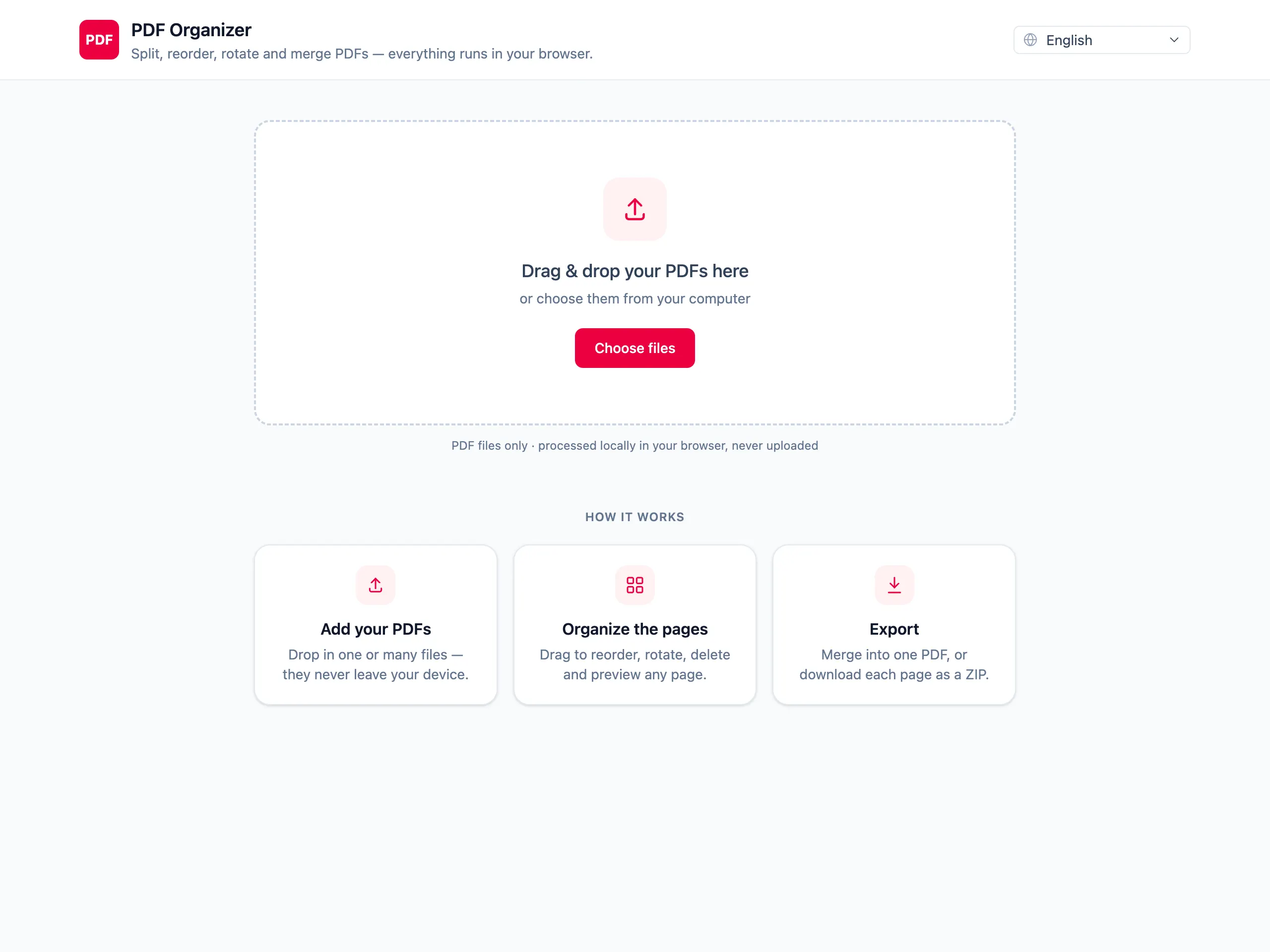
Drop in the PDF you want to break up
The whole document is rendered as a grid of page thumbnails within a second or two, depending on its length.
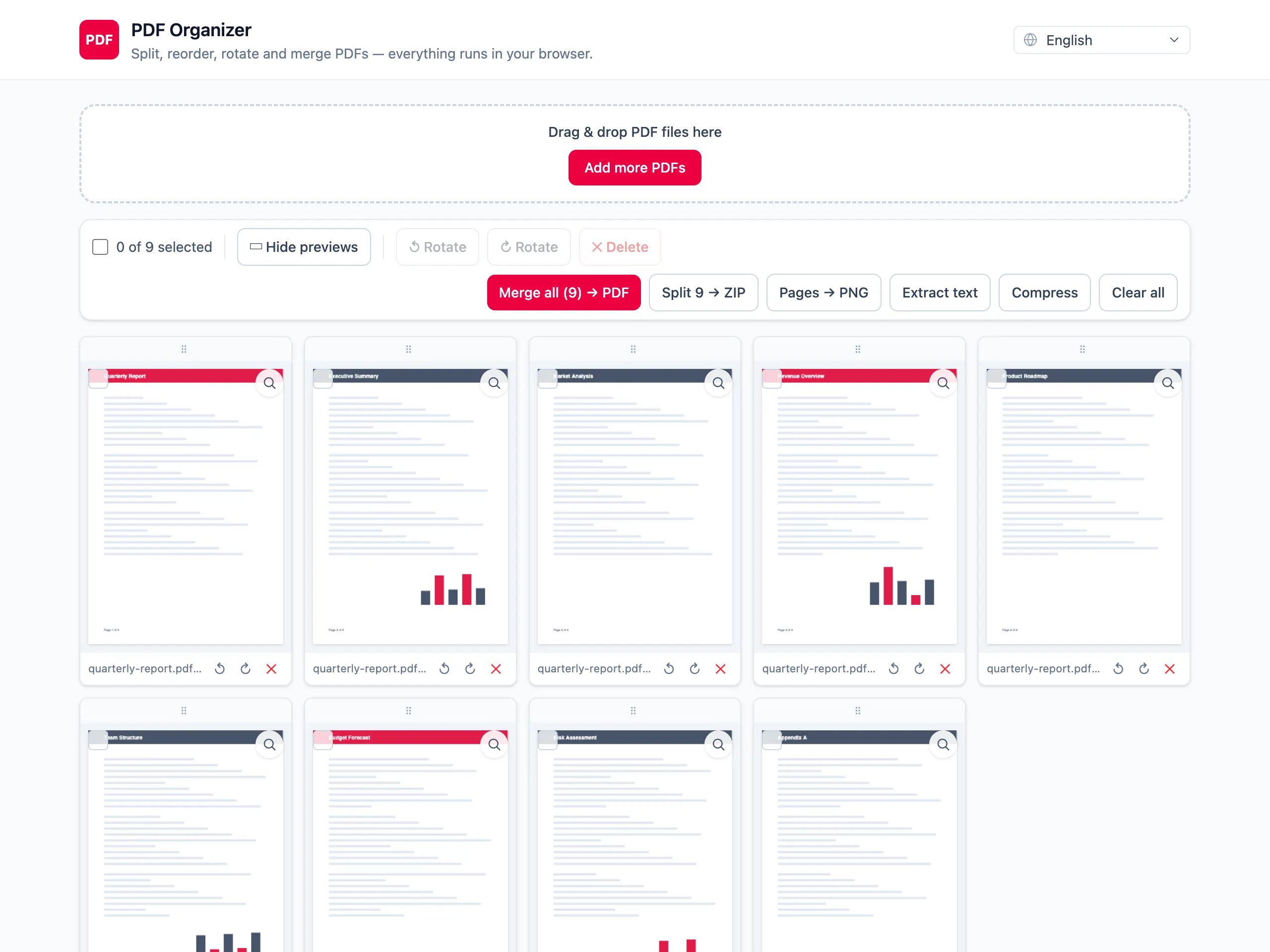
Drop the pages you do not need
Delete blank scanner pages or sections you are not keeping, so the export only contains pages worth splitting out.
Download the pages as a ZIP
Each remaining page is written as its own single-page PDF and bundled into one ZIP archive for the download.
What splitting here gets you
One file per page, named in order
The ZIP contains individual single-page PDFs in document order, so you can pick out the one page you actually needed.
Clean up before you split
Delete and rotate pages first. Splitting a 40-page scan is much less useful when half of it is blank reverse sides.
Nothing is uploaded
Splitting usually happens to documents that arrived by post and got scanned — invoices, medical results, contracts. Those stay on your machine.
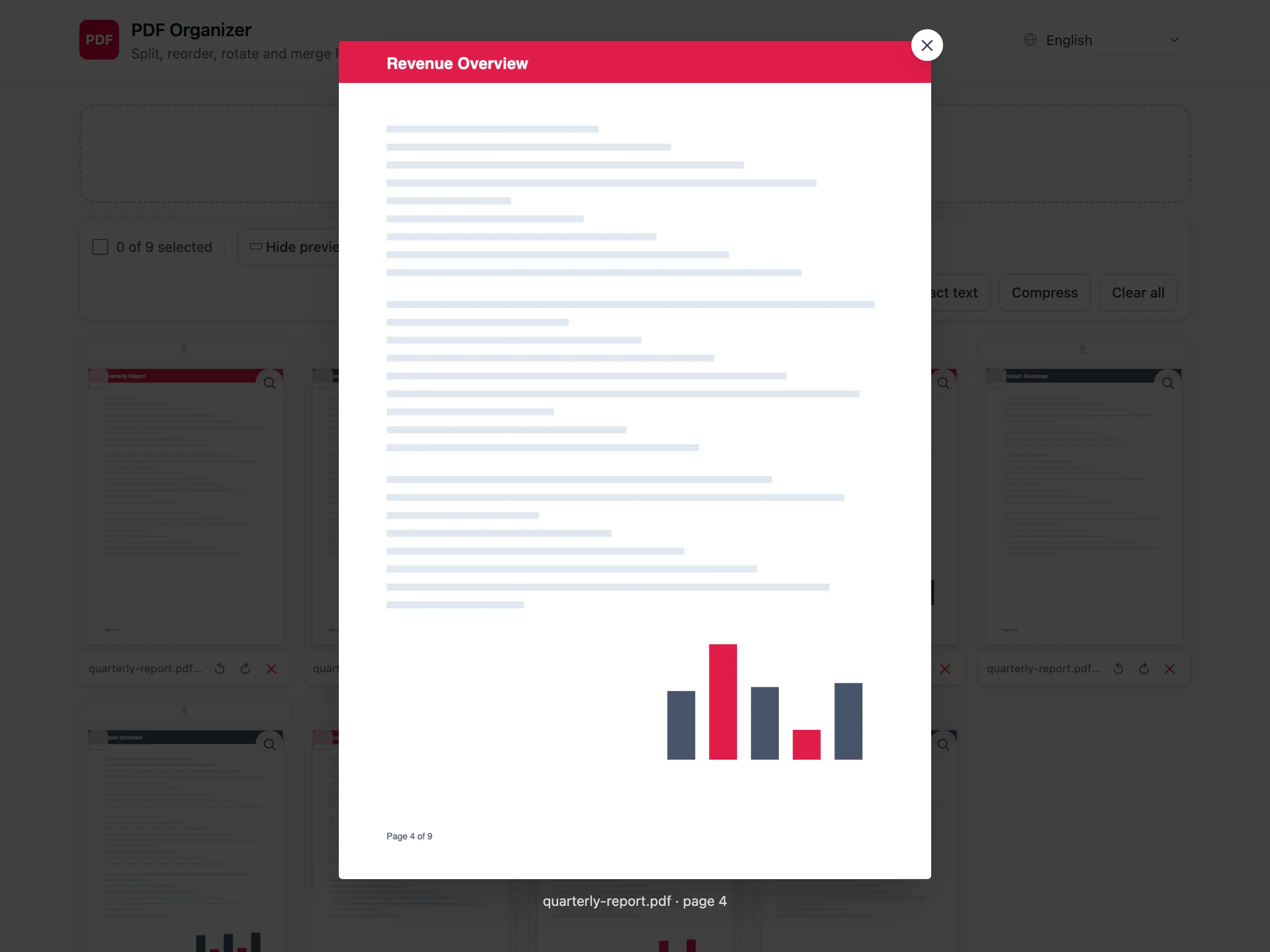
Check a page before exporting
Open any thumbnail at full size to make sure you are keeping the page you think you are keeping.
Splitting PDFs — questions people ask
What exactly do I get when I split a PDF?
A ZIP archive with one PDF per page, numbered in order and named after the source document and its page number. Nothing is flattened or re-encoded — each page keeps the content it had inside the larger file.
Can I extract just one page instead of all of them?
Yes. Delete every page you do not want from the grid, leaving only the one you need, and export. You get that single page as its own PDF.
Can I split a PDF into ranges rather than single pages?
Not in one pass — the split export produces one file per page. To pull out a range, delete the pages outside it and export the remainder as a merged PDF instead.
Why is my ZIP larger than the original PDF?
Fonts and images shared across pages get stored once in a single document but have to be repeated in each separate file. A ZIP of single pages is therefore often bigger than the PDF it came from.
Does the page count affect how long it takes?
Yes. Rendering thumbnails is the slow part, and it scales with page count and resolution. A 20-page text document is instant; a 300-page scan at 600 dpi will take a moment and use noticeable memory.
Is the document uploaded while it is split?
No. pdf.js renders the pages and pdf-lib writes the output entirely inside the browser tab. Close the tab and every trace of the document is gone.