Organize the pages of a PDF
The scanner produced pages upside down, in the wrong order, with a blank sheet between each one. This is the screen where you fix all of that at once and export a document you are willing to send.
No account. No file-size limits from a server. Works offline once loaded.
Everything on one grid

Load the document — or several
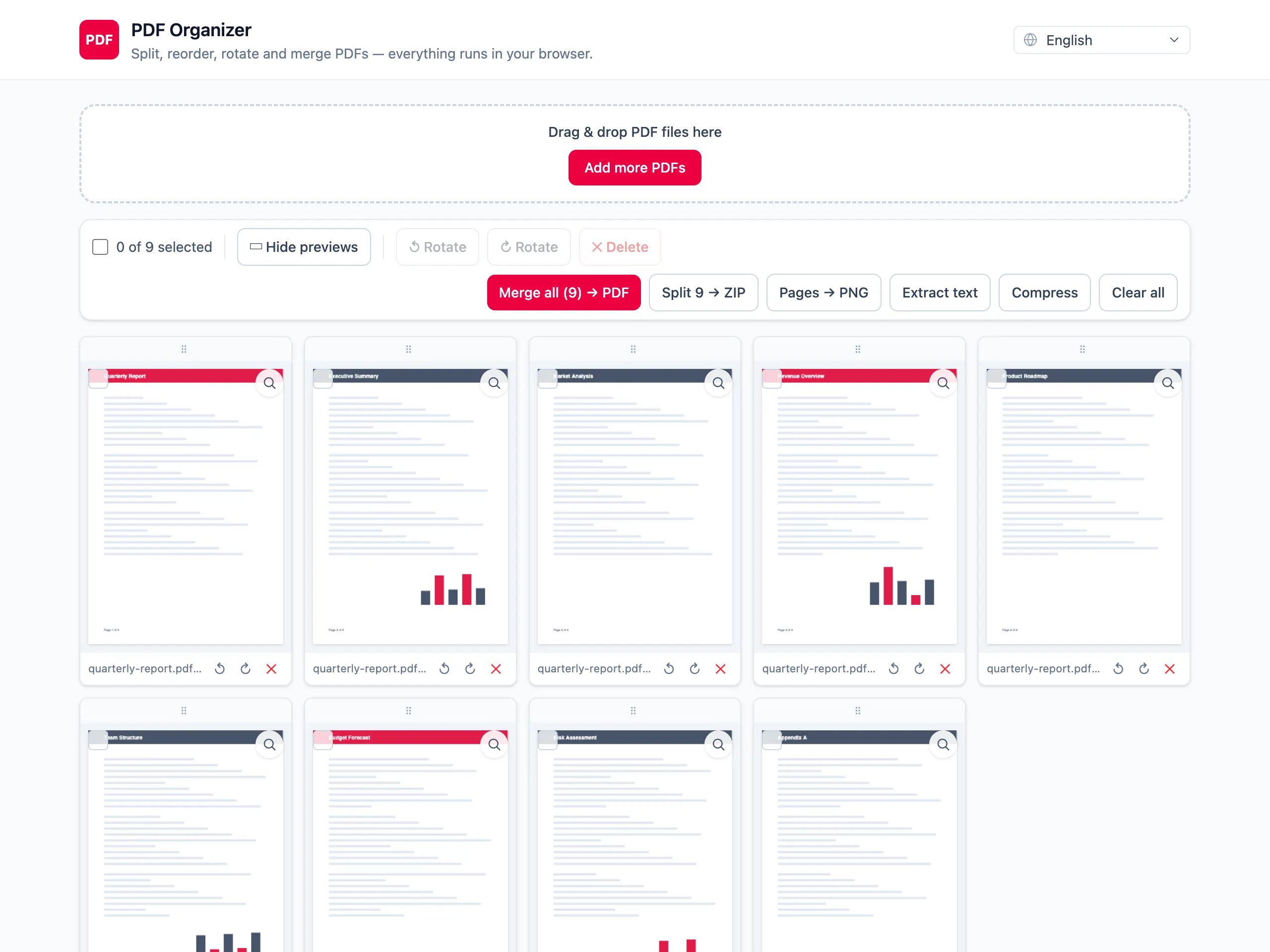
Every page from every file you drop in becomes a tile on the same grid, so you are organizing the finished document, not one file at a time.
Reorder, rotate, delete
Drag a tile to move it, turn it in 90° steps, remove it entirely. Each change is reflected on the thumbnail immediately.
Export the document you actually want
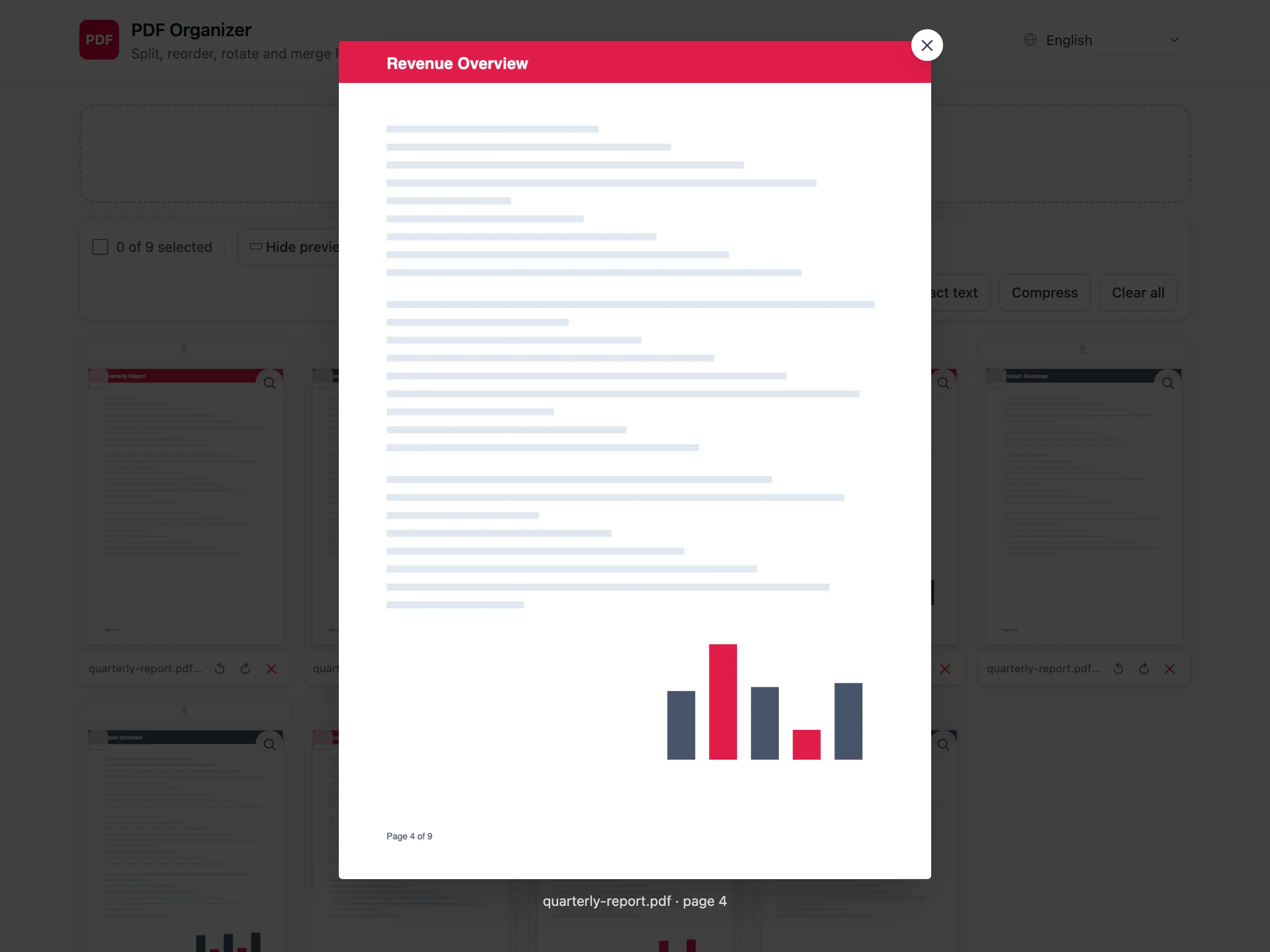
Save the result as one PDF, as one file per page in a ZIP, as PNG images, or pull the text out — whichever you needed.
One screen instead of four tools
Reorder, rotate and delete together
Most sites give you one operation per page and make you re-upload between each. Every change here happens on the same grid before a single export.
Several files, one document
Pages from different sources sit on the same grid, so combining and organizing are the same task rather than two rounds of processing.
Four ways out
The tidied result can leave as a merged PDF, single-page PDFs in a ZIP, PNG images, or extracted text.
Local, which matters more here
Organizing means several rounds of edits. On an upload-based tool that is several rounds of handing the document over. Here it is none.
Organizing PDF pages — questions people ask
Can I organize pages from more than one PDF at a time?
Yes. Drop in as many files as you like and their pages all land on the same grid. From there it makes no difference which file a page came from — reorder and delete across all of them freely.
Is there an undo if I delete the wrong page?
Nothing is written to the original file, so the safe move is to reload the document and start again — your source PDF on disk is untouched no matter what you do on the grid.
Do rotations survive the export?
Yes. Rotation is written into the exported PDF as the page rotation, so the page opens the right way up in every reader, not just in this tab.
How large a document can I organize comfortably?
Thumbnail rendering is what costs memory, and it scales with page count and scan resolution. Everyday documents of a few dozen pages are fine. Several hundred pages of high-resolution scans will feel heavy on a phone.
Can I add or insert a new page?
You add pages by loading another PDF — its pages join the grid and can be dragged anywhere in the order. There is no blank-page or image insertion.
Does organizing a PDF here upload it anywhere?
No. Rendering, editing and export all happen in the browser tab. Nothing is uploaded, stored or tracked, and closing the tab discards everything.