Organize your PDFs without uploading them anywhere.
Split PDFs into individual pages, drag to reorder, rotate, delete, then merge into one file — or download each page separately. Everything runs locally, so your documents never leave your device.
No account. No file-size limits from a server. Works offline once loaded.
Everything you need to wrangle a PDF
A focused toolkit for the everyday "I just need to fix this PDF" moment.
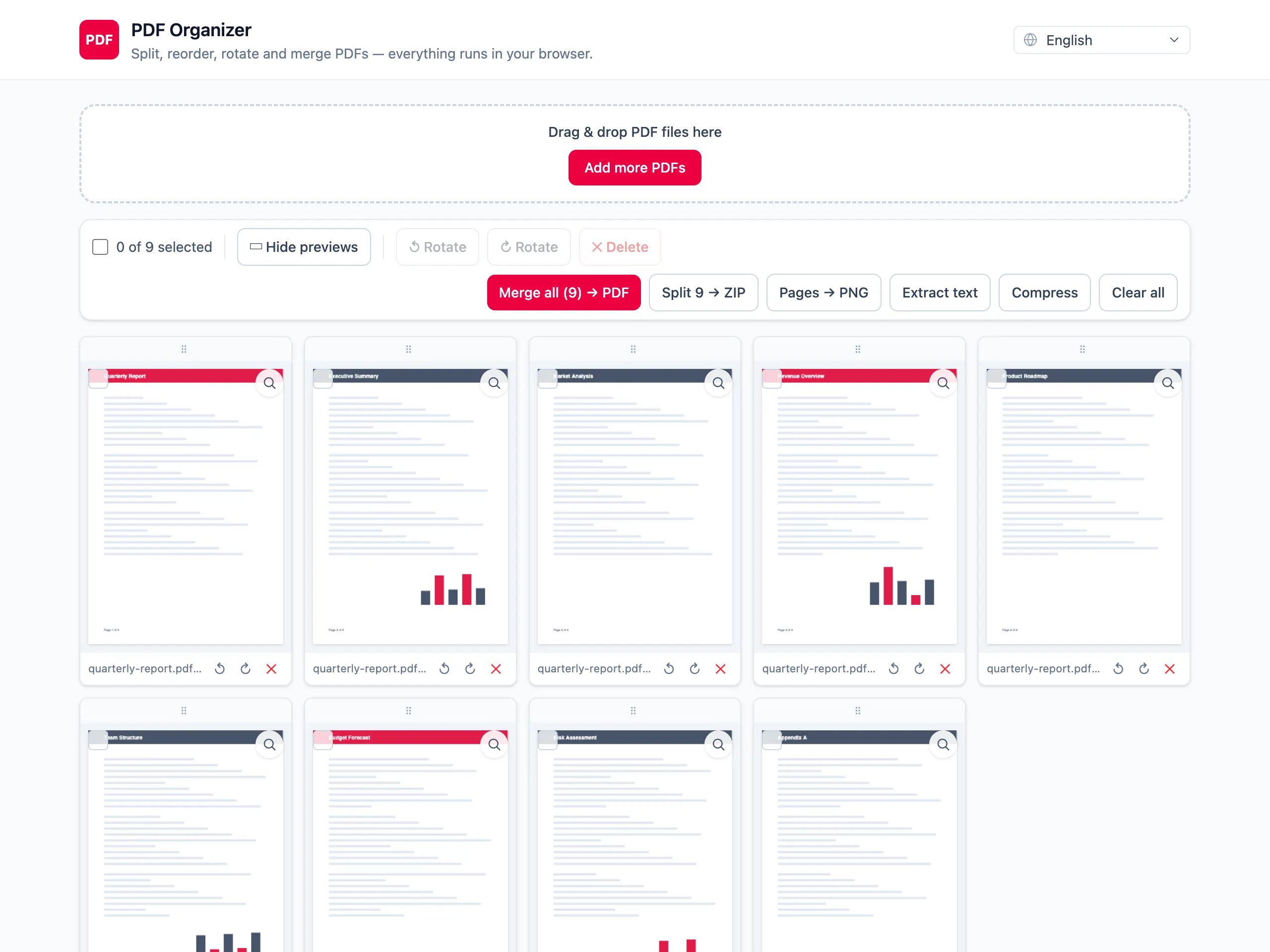
Split into pages
Break any PDF into individual pages the moment you drop it in.
Merge to one PDF
Combine pages from several files into a single clean document.
Drag to reorder
Rearrange pages with simple drag-and-drop — grab any thumbnail.
Rotate & delete
Fix sideways scans or drop the pages you don't need in a click.
Preview any page
Zoom into a crisp, full-size render before you export.
100% private
All processing happens in your browser. No servers, no uploads.
Compress PDFs
Shrink files in-browser — lossless or strong mode, with before/after size.
Export to PNG
Save every page as a sharp PNG image, bundled together in one ZIP.
Extract text
Pull selectable text into a .txt file — honest about scans, no OCR.
Three steps, zero friction
From a messy stack of files to one tidy PDF in under a minute.
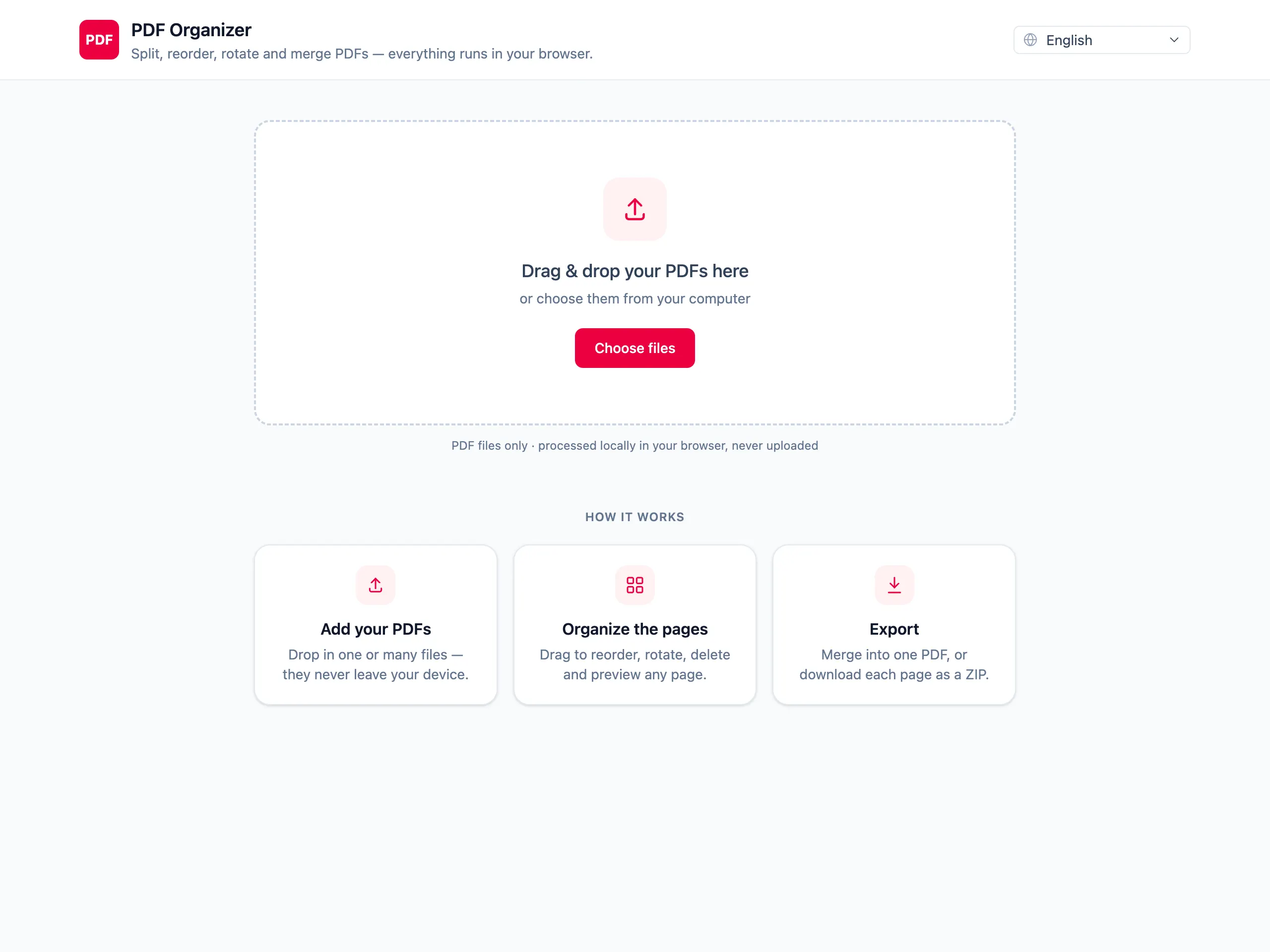
Drop your PDFs
Drag files straight in, or pick them — load as many as you like.
Organize the pages
Reorder, rotate, delete and select pages across all your files.
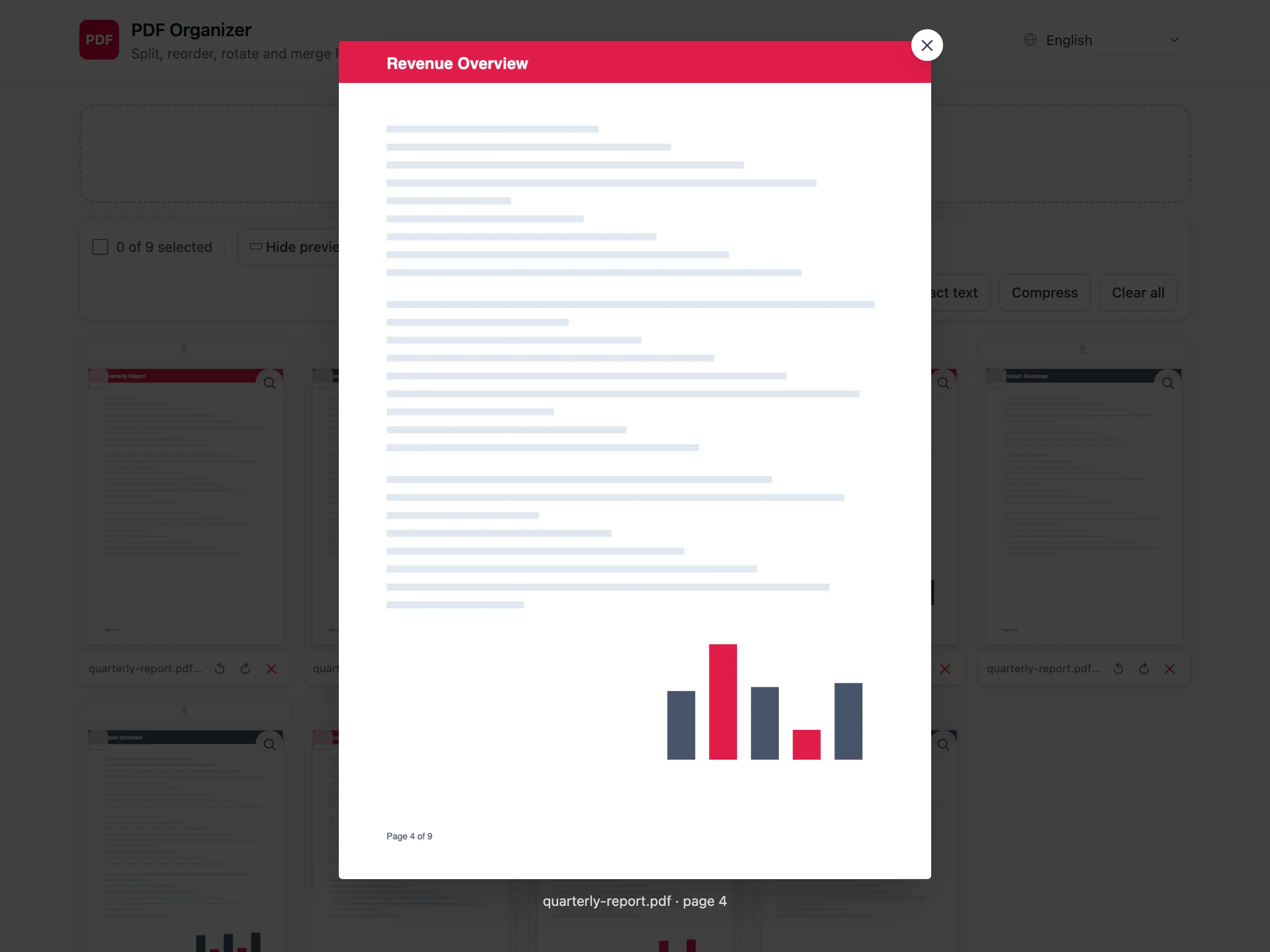
Preview & export
Preview any page, then merge to one PDF or download pages as a ZIP.
Your files never touch a server.
PDF Organizer runs entirely in your browser using pdf-lib and pdf.js. Nothing is uploaded, stored, or tracked — close the tab and it's gone.
Frequently asked questions
Everything you might wonder about a PDF tool that never uploads your files.
Are my files uploaded anywhere?
No. PDF Organizer processes every file directly in your browser, so you can merge PDF without uploading or split a document with nothing ever sent to a server. Your files never leave your device.
Is it really free?
Yes, it is completely free with no account, no trial and no hidden limits. You can compress PDF online free, merge, rotate and export as many files as you like.
How do I compress a PDF without uploading it?
Open the app, drop in your PDF and choose Compress — lossless to strip unused data, or strong mode to rasterize image-heavy pages. The whole process runs in your browser, so you compress PDF online free with nothing uploaded.
Why does text extraction return nothing for scans?
Text extraction only reads selectable text that already exists in the PDF. Scanned or image-only pages have no text layer, and PDF Organizer does not perform OCR, so those pages return nothing.
Does it work offline?
Yes. Once the page has loaded, all processing happens locally, so you can split, merge and compress PDF files even with no internet connection.
Are there file-size limits?
There are no server-imposed limits because nothing is uploaded. The only practical ceiling is your device’s memory — very large or high-resolution PDFs use more RAM while you work on them.
What export formats are supported?
You can export to a merged PDF, a ZIP of individual page PDFs, a ZIP of PNG images, or a plain TXT file of extracted text. Every export is generated in your browser.
Is it safe for confidential documents?
Yes. Because your files are processed locally and never uploaded, stored or tracked, PDF Organizer is well suited to confidential and sensitive documents. Close the tab and everything is gone.