Reorder PDF pages by dragging them
Pages come out of a scanner in whatever order the feeder decided. Grab any thumbnail, drop it where it belongs, and export a document that reads front to back.
No account. No file-size limits from a server. Works offline once loaded.
Drag a page, drop it, done

Open the document as a page grid
Every page is rendered as a thumbnail large enough to tell apart, which is what makes reordering by eye possible at all.
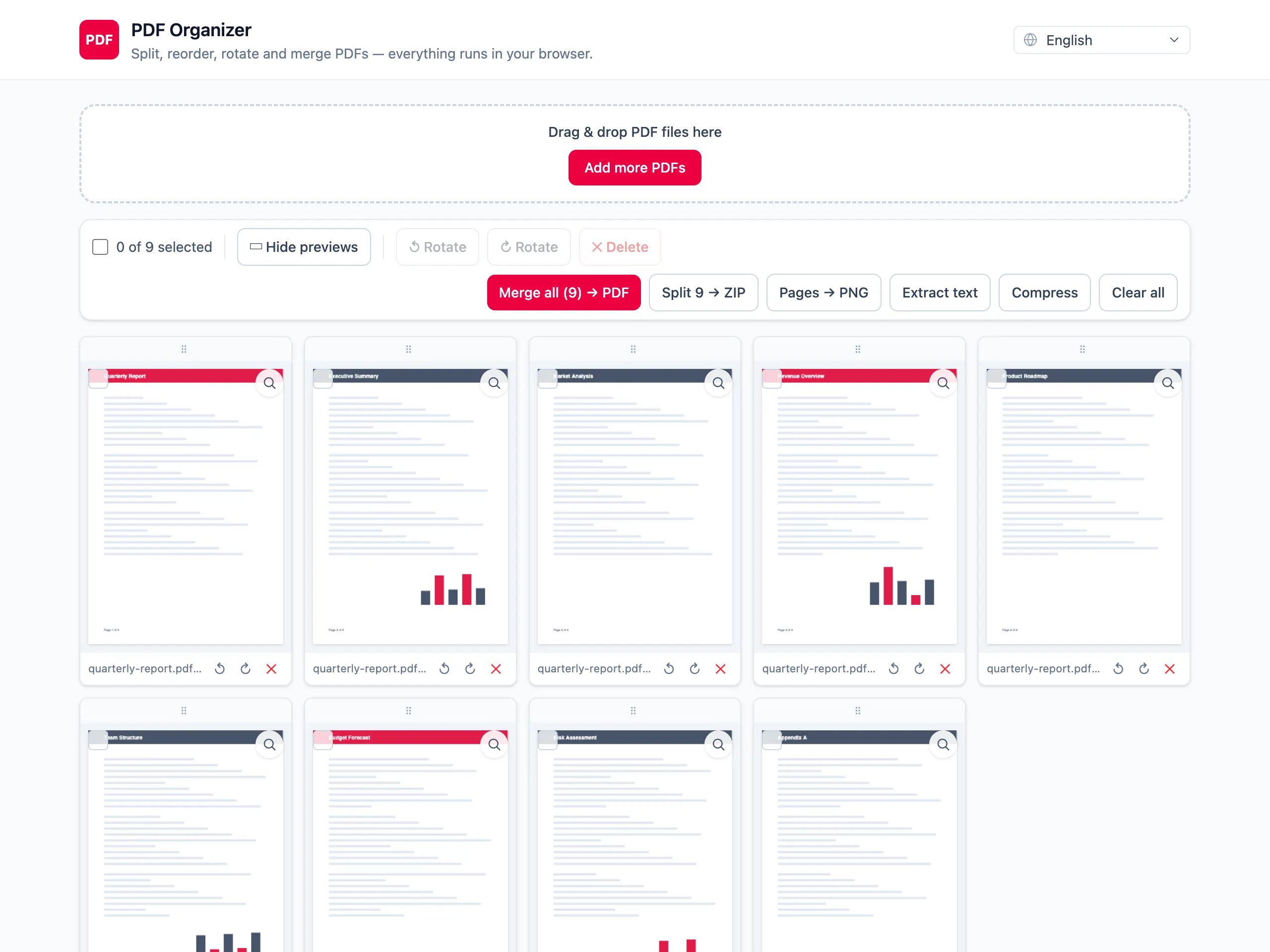
Drag thumbnails into the right order
Pick up any page and drop it at its new position; the rest shift around it. Move one page or rebuild the whole sequence.
Export in the new order
The exported PDF follows the order on screen. Your original file on disk is left exactly as it was.
Reordering by eye, not by page numbers
You can see what you are moving
Typing a page sequence like 1,5,3,2 means guessing what is on page 5. Dragging a thumbnail you can actually read removes the guesswork.
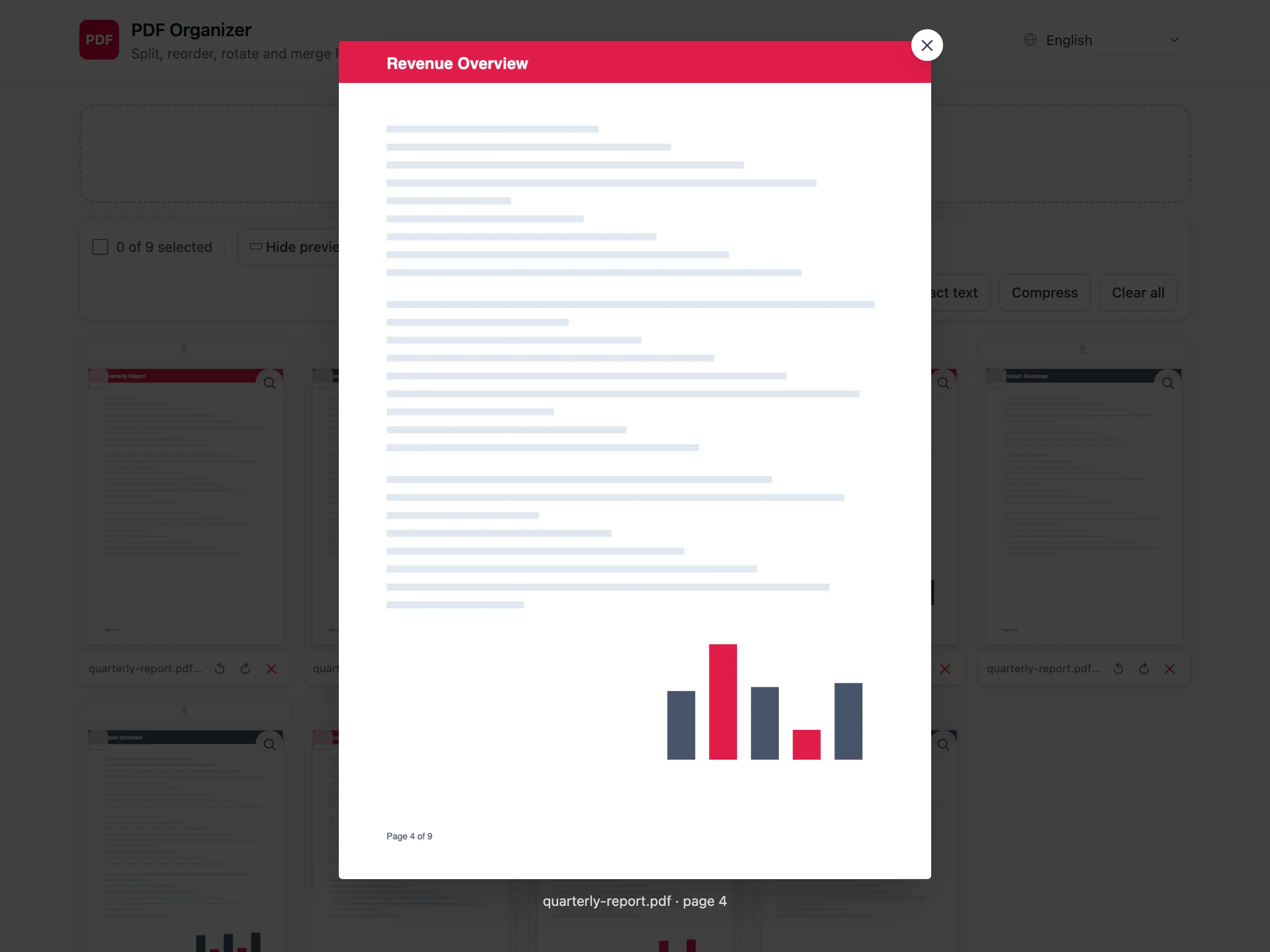
Zoom in when two pages look alike
Consecutive pages of a contract look identical at thumbnail size. Open one full size to confirm before you move it.
Rotate and delete in the same pass
Documents that need reordering usually also have a sideways page and a blank sheet. Fix all of it before the single export.
The original file is untouched
Reordering produces a new PDF. The file on your disk is not modified and nothing is uploaded on the way.
Reordering PDF pages — questions people ask
How do I move a page to a specific position?
Drag its thumbnail and drop it between the two pages it belongs between. The surrounding pages shift to make room, and the grid shows the new order immediately.
Can I reverse the whole document?
There is no single reverse button — you drag pages individually. For a short document that is quick; for a long one it is genuinely tedious, and it is fair to say another tool may suit you better there.
Does reordering change the page content?
No. Pages are copied into the new document unchanged, so text stays selectable and images keep their resolution. Only the sequence differs.
Can I reorder pages coming from different files?
Yes. Load several PDFs and all of their pages share one grid, so you can interleave them in any order you like before exporting a single document.
Does it work on a phone or tablet?
Yes, dragging works with touch. The grid is smaller on a phone, so on a long document it is easier to work on a larger screen.
Is the document sent to a server to be reordered?
No. The page grid is rendered by pdf.js and the reordered file is written by pdf-lib, both inside your browser. Nothing is uploaded at any point.