Compress a PDF and keep it readable
Two modes: lossless strips data the file does not need and leaves the pages alone, while strong re-renders every page as an image when you have to get under a hard limit. You see the resulting size before you commit to the download.
No account. No file-size limits from a server. Works offline once loaded.
Getting a file under the limit
Drop in the oversized PDF
The current file size is shown straight away, so you know how far you have to get it down.
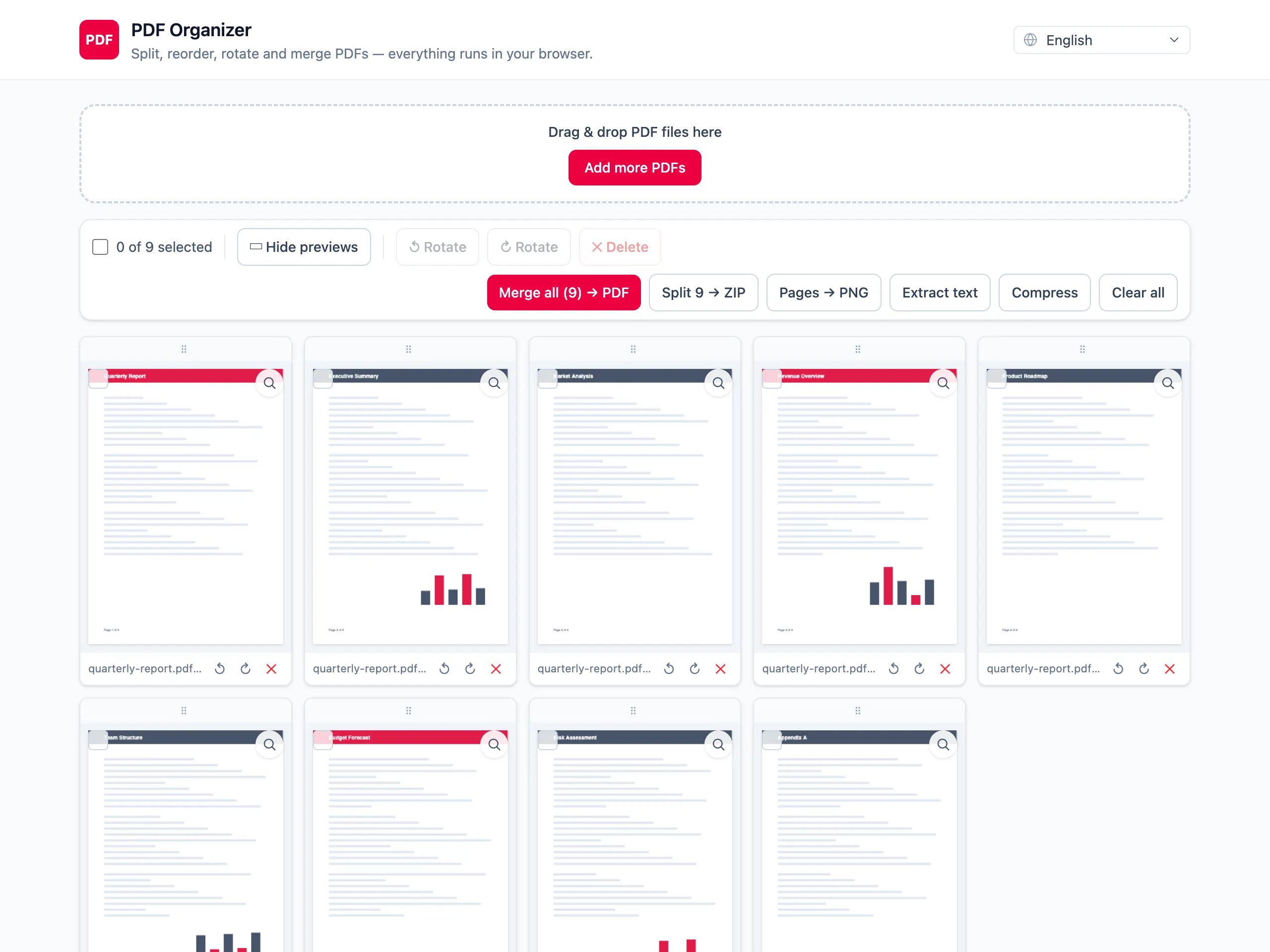
Pick lossless or strong
Lossless removes unused objects and old incremental updates without touching the pages. Strong re-renders every page as a JPEG, which shrinks scans hard and costs you the text layer.
Compare the sizes, then download
The before and after figures sit side by side. If strong went too far, switch back to lossless and export again.
Two modes, because one never fits
Lossless keeps text selectable
It drops unused objects and duplicated resources only. Text stays text, so the document is still searchable and copyable afterwards.
Strong mode for scans that will not budge
Strong re-renders every page as a JPEG and rebuilds the document from those images. On scans that cuts the size dramatically; on text pages it can go the other way.
You see the result before downloading
The before and after size are both on screen. No downloading a file just to find out it is still 3 MB too big.
The file never leaves the tab
Compression is normally the step where a confidential PDF gets handed to a random website. Here it runs locally instead.
Compressing PDFs — questions people ask
What is the difference between lossless and strong mode?
Lossless rebuilds the file and drops what it does not need — unreferenced objects, old incremental updates — leaving every page exactly as it was. Strong takes a different route: it renders each page to a JPEG and rebuilds the PDF from those images, which shrinks scans hard but loses the text layer across the whole document.
How much smaller will my file get?
It depends entirely on what is inside. A cleanly exported text document may barely shrink under lossless and can even grow slightly under strong, because rendering text to an image is a bad trade. A photographed or scanned document usually drops by most of its size under strong. The on-screen before/after figures give you the real answer for your file.
Why did lossless compression change almost nothing?
Because there was little waste to remove. Files exported by a modern word processor are already tight, and a rebuild can occasionally come out a shade larger. Lossless pays off most on PDFs assembled by older software or edited and re-saved many times.
Does strong mode make the text unsearchable?
Yes, across the whole document — strong turns every page into an image, and the text layer does not survive that. Use strong when a hard size limit is the priority, and lossless when the file has to stay searchable, selectable and copyable.
Can I compress a PDF to a specific target size?
Not by entering a number. There are two fixed modes; you run one, read the resulting size and decide. In practice that is one or two attempts, and each is fast because nothing has to be uploaded and downloaded again.
Is the file uploaded to a compression server?
No. Both modes run in the browser. That is a real difference from most free compressors, which upload your document, process it on their machines and keep it for some period afterwards.