Convert PDF pages to PNG images
Sometimes a page has to be an image — for a slide, a ticket, a chat message, a system that will not take PDFs. Every page is rendered as a PNG and handed to you in a single ZIP.
No account. No file-size limits from a server. Works offline once loaded.
Pages in, images out
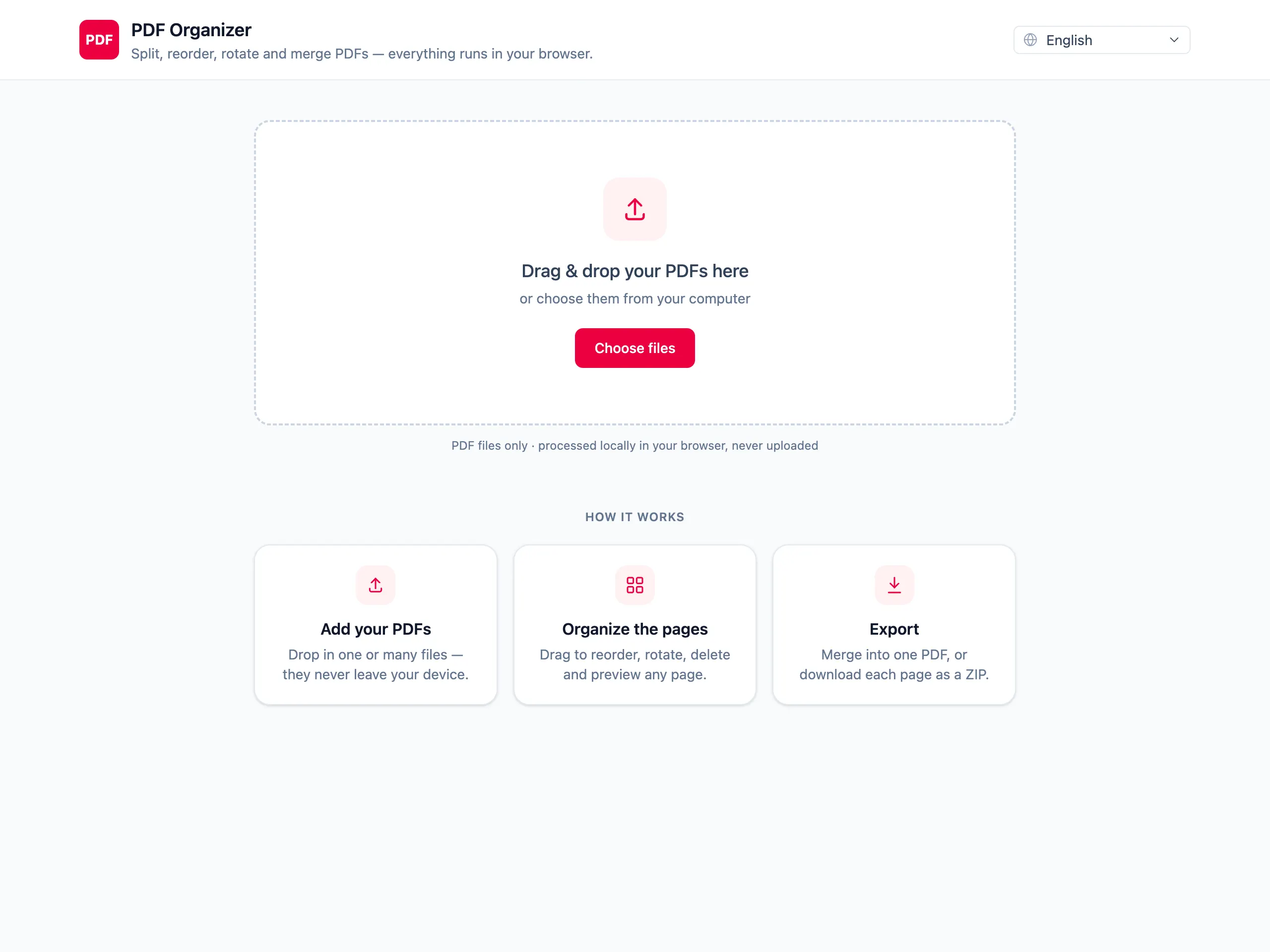
Drop in the PDF
Pages are rendered by the same engine Firefox uses to display PDFs, so what you see in the grid is what the PNG will look like.
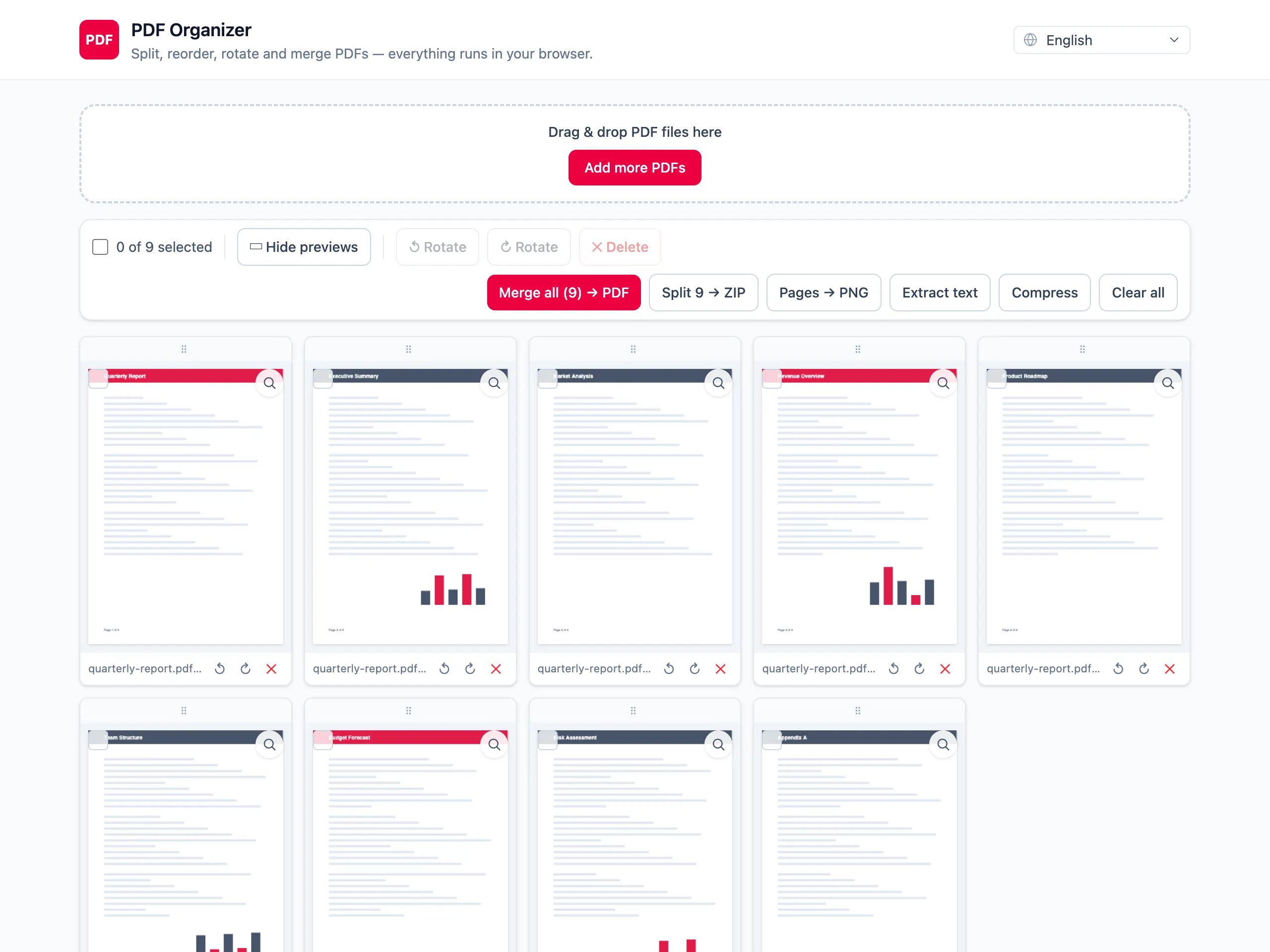
Keep only the pages you want as images
Delete the rest first. Converting a whole 50-page report when you need page 3 gives you 49 files to delete afterwards.
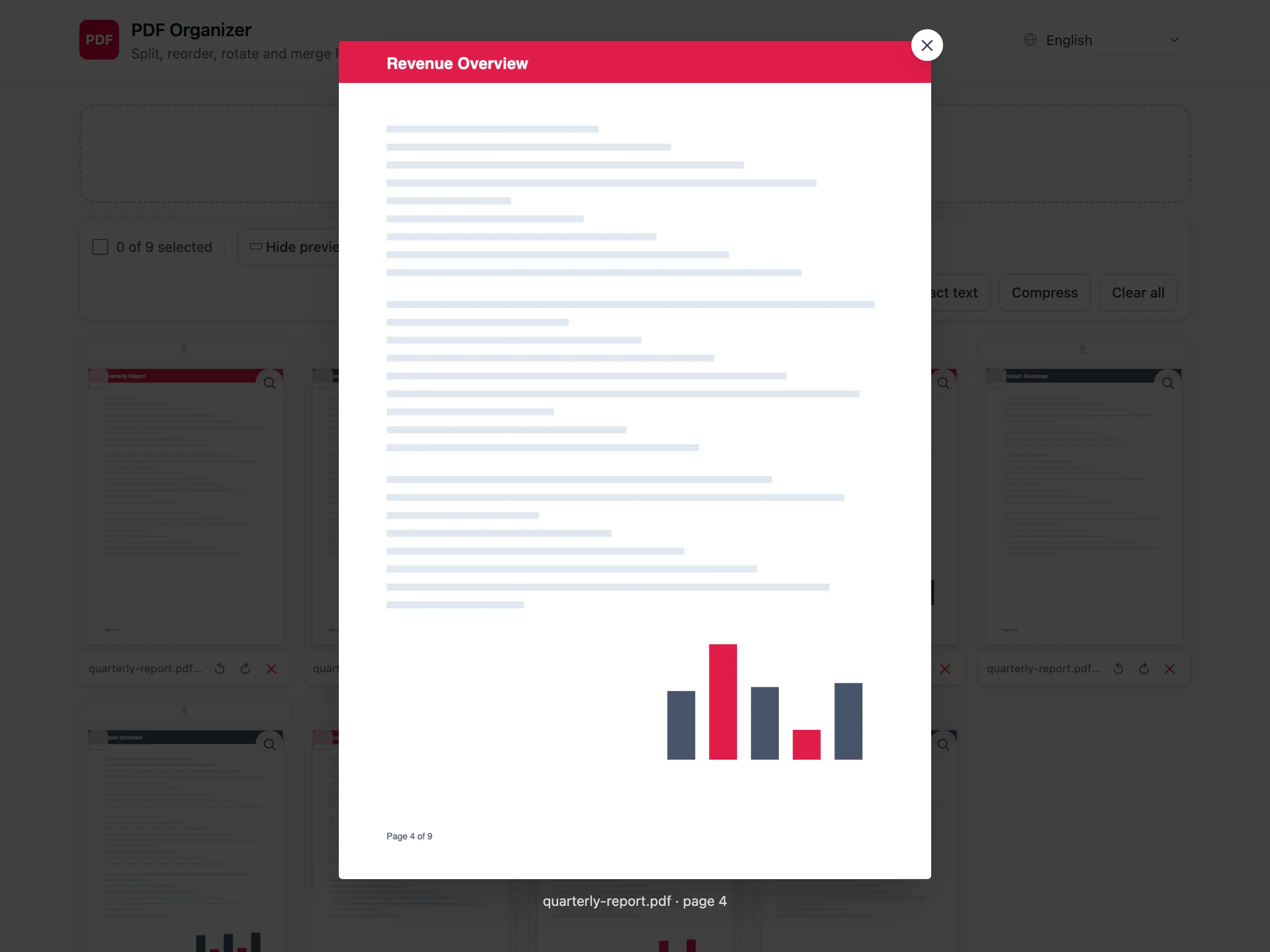
Download the PNGs as one ZIP
Each remaining page is written as its own PNG and the set arrives as a single archive, in page order.
What you get out of the conversion
PNG, so text edges stay sharp
PNG is lossless, which matters for documents: JPEG smears the edges of small text into a grey haze, and PNG does not.
Every page, in one archive
No converting page by page. The ZIP holds one PNG per page, numbered in order and named after the source document, so nothing has to be sorted afterwards.
Trim the document first
Delete, rotate and reorder pages before converting, so the ZIP contains exactly the images you meant to produce.
No upload for a document you are about to share
Pages get converted to images to be pasted somewhere. That does not mean the source document should pass through someone else’s server first.
PDF to PNG — questions people ask
What resolution are the exported PNGs?
Twice the page size in PDF points, which works out at roughly 144 dpi — an A4 page comes out near 1190 by 1684 pixels. That is sharp enough to read on screen or drop into a slide. There is no manual DPI setting.
Can I convert just one page to PNG?
Yes. Delete every other page from the grid before exporting and the ZIP will contain that single image.
Why PNG rather than JPEG?
PNG is lossless, which suits pages made mostly of text and line art. JPEG introduces artefacts exactly around sharp edges, so small text looks blurry. The trade-off is that PNGs of dense pages are larger files.
Can the images be turned back into a PDF here?
No. The conversion runs one way only — PDF pages to PNG images. Importing images to build a PDF is not part of this tool.
Why is the ZIP so much bigger than the PDF?
A PDF stores text as instructions to draw glyphs, which is compact. A PNG stores every pixel of the rendered result. A text-heavy document therefore grows substantially when each page becomes an image.
Is the PDF uploaded to convert it?
No. Rendering happens on a canvas inside your browser and the ZIP is assembled there too. Nothing is transmitted at any stage.