Rotate PDF pages that came out sideways
A document fed into the scanner the wrong way round opens sideways for everyone you send it to. Turn the affected pages in 90° steps and export a file that is right way up permanently.
No account. No file-size limits from a server. Works offline once loaded.
Turn the pages, save the rotation
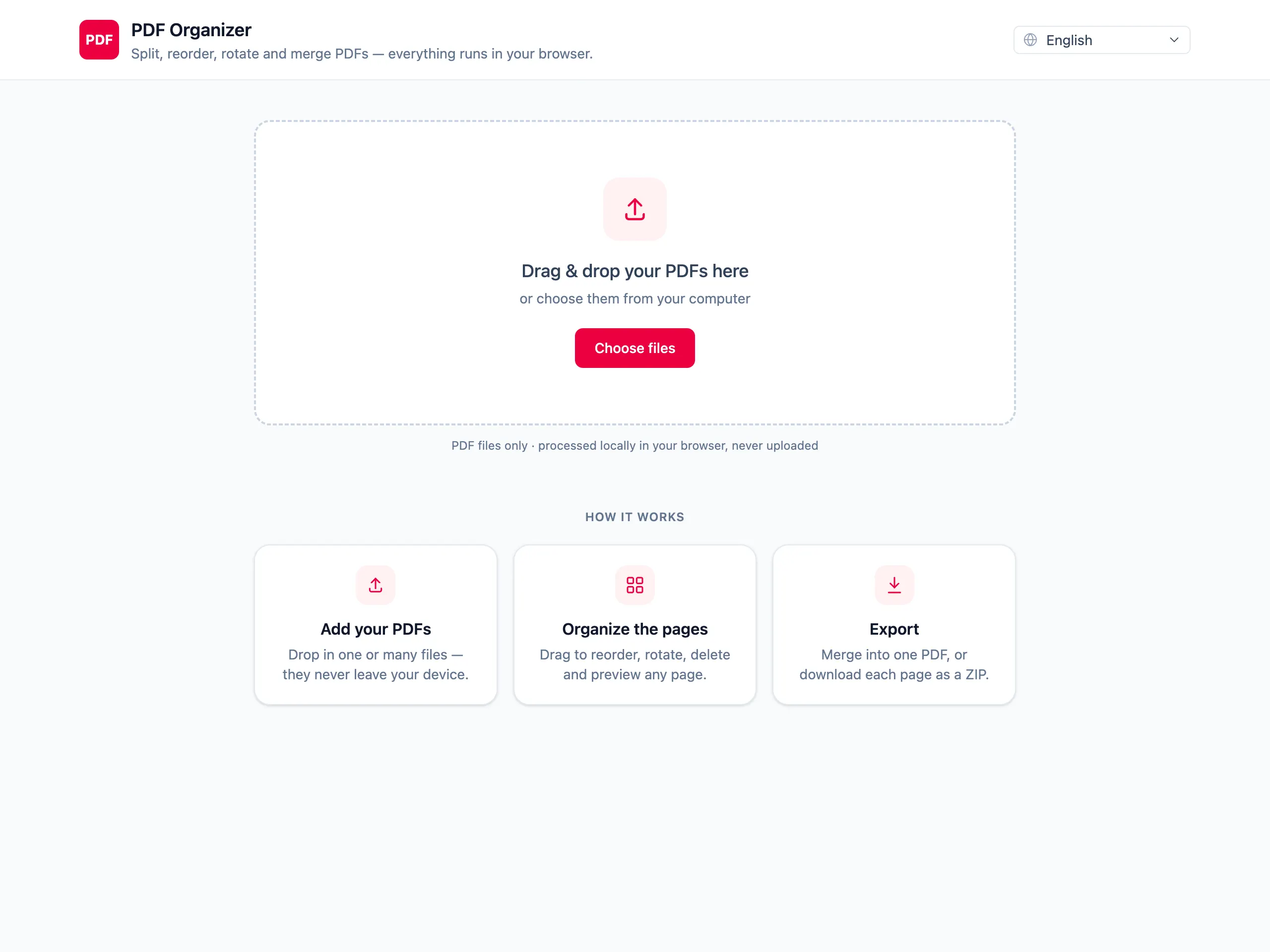
Open the document as a page grid
Sideways pages are obvious at a glance in the thumbnail grid — no scrolling through the file to find them.
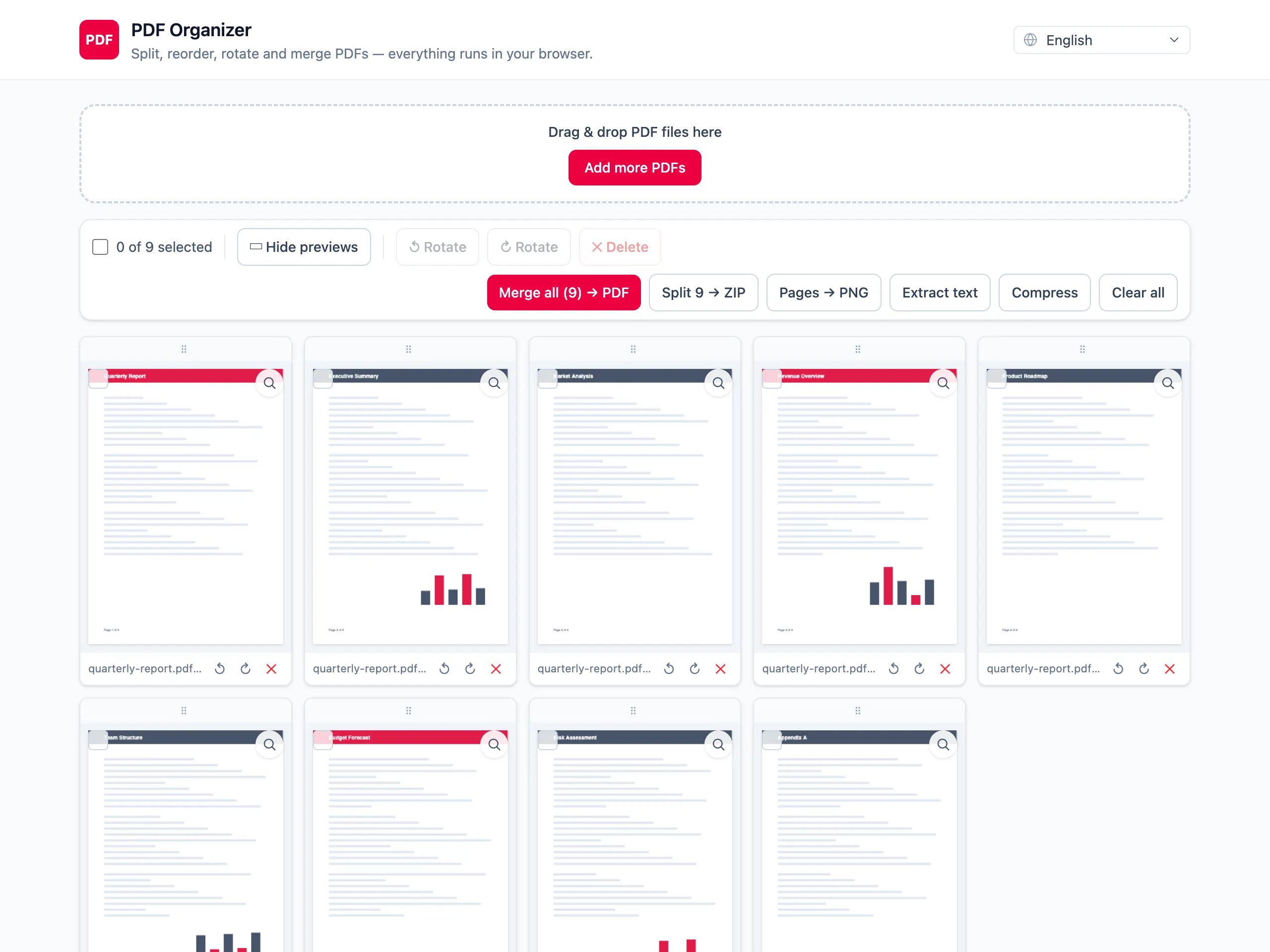
Rotate in 90° steps
Turn one page or every page. The thumbnail updates as you go, so you can see the whole document is finally consistent.
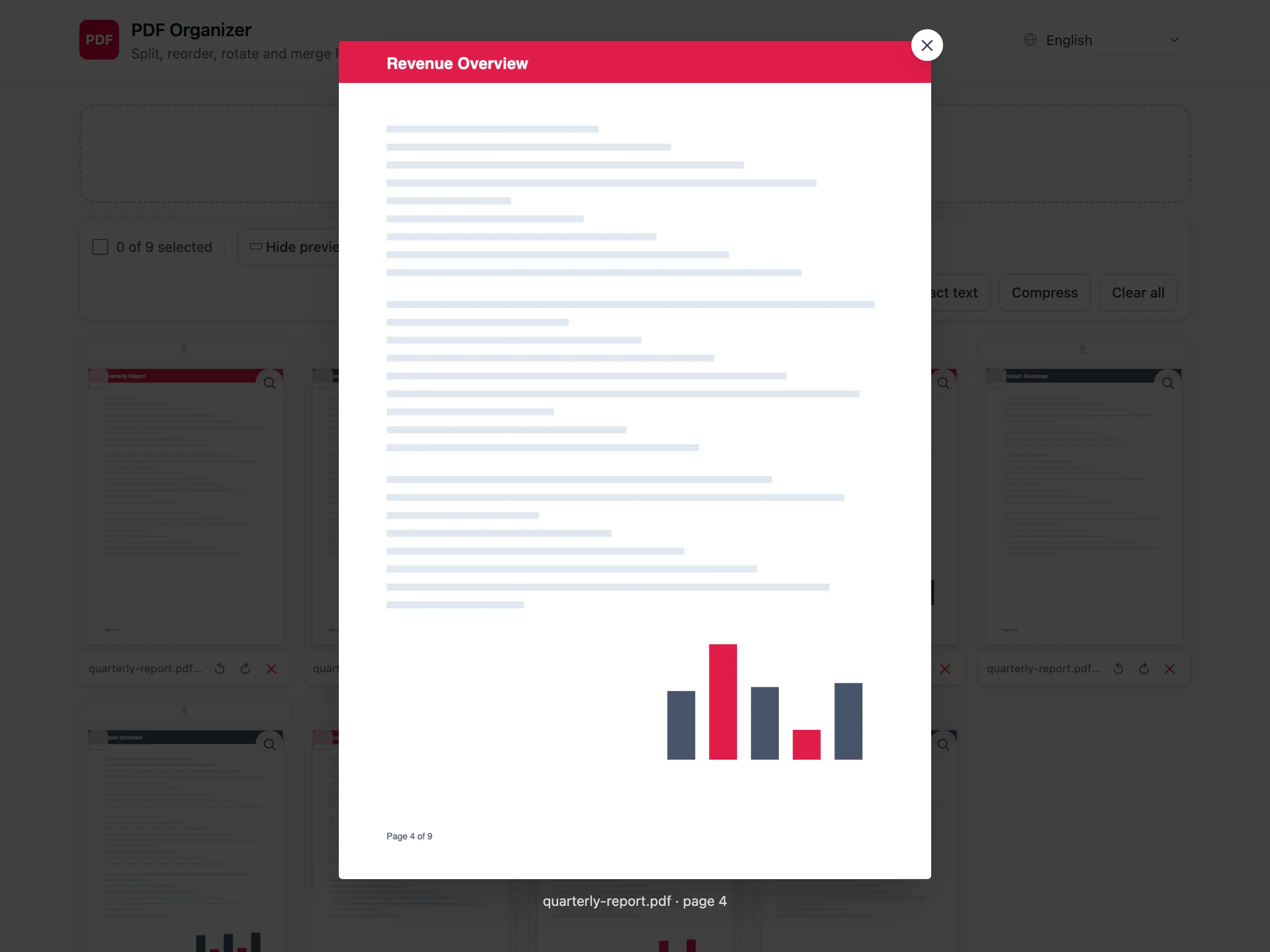
Export with the rotation baked in
The rotation is written into the PDF itself, so the pages open correctly in every reader — not just in the tab where you fixed them.
A rotation that actually sticks
Written into the file, not the viewer
Rotating in a PDF reader often only changes your view. Here the rotation is saved into the exported document, so it looks right for whoever opens it next.
Spot every sideways page at once
A grid of thumbnails shows the misrotated pages immediately, which beats scrolling a 60-page scan looking for them.
Delete the blanks while you are there
The same scan that produced sideways pages usually produced blank reverse sides too. Remove them in the same pass.
Scans stay private
Rotation is needed most for scanned personal paperwork. That is exactly the category you should not be uploading, and here you do not have to.
Rotating PDF pages — questions people ask
Will the rotation still be there when someone else opens the file?
Yes. The rotation is written into the exported PDF as the page rotation attribute, so every reader shows the page the way you left it. This is the difference from rotating inside a viewer, which usually only affects your own screen.
Can I rotate every page at once?
Yes, and that is the common case — a whole document fed into the scanner the wrong way round. You can also rotate individual pages when only some of them are wrong.
Can I rotate by an angle other than 90 degrees?
No. PDF page rotation is defined in 90° steps, so 90, 180 and 270 are the available options. Straightening a slightly crooked scan is a different operation and is not offered here.
Does rotating reduce quality or make the file bigger?
Neither. Rotation is a property of the page, not a re-render of its content, so nothing is re-encoded and the size is effectively unchanged.
Does the text stay selectable after rotating?
Yes. The page content is untouched, so text remains selectable and searchable — it is simply displayed at a different orientation.
Is my scan uploaded in order to rotate it?
No. The whole operation runs in the browser tab and nothing is transmitted. Close the tab and the document is gone from the page entirely.
Turn those pages the right way up
Saved into the file, so it looks right for everyone.
Rotate pages now